What's new in the till
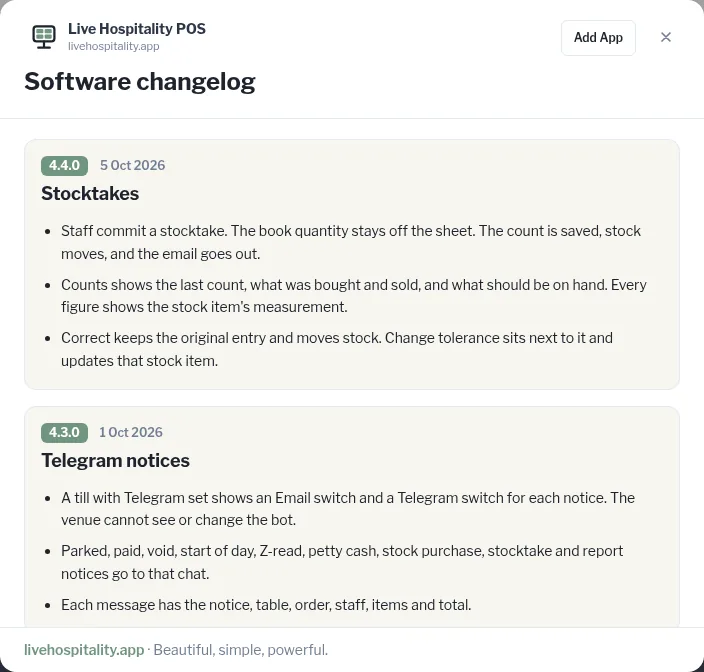
Open the changelog to see recent changes, newest first.
Everyone
- Tap the question mark icon in the top bar.
- The Software changelog opens. The newest changes are at the top, each with a version number and date.
- Scroll to read more. Tap × (or anywhere outside it) to close.