Set up menu categories
Group your products into the categories shown down the side of the order screen.
Owners and managers
Categories are the tabs staff tap down the left of the order screen, like Coffee, Breakfast or Cocktails.
- Tap the Settings cog to open Admin, then go to Catalogue › Categories.
- Tap Add category.
- Enter the Name.
- Optional: enter the Xero account code your sales for this category should go to.
- Choose the Output: Bar or Kitchen.
- Set the Status to Active, then tap Save.
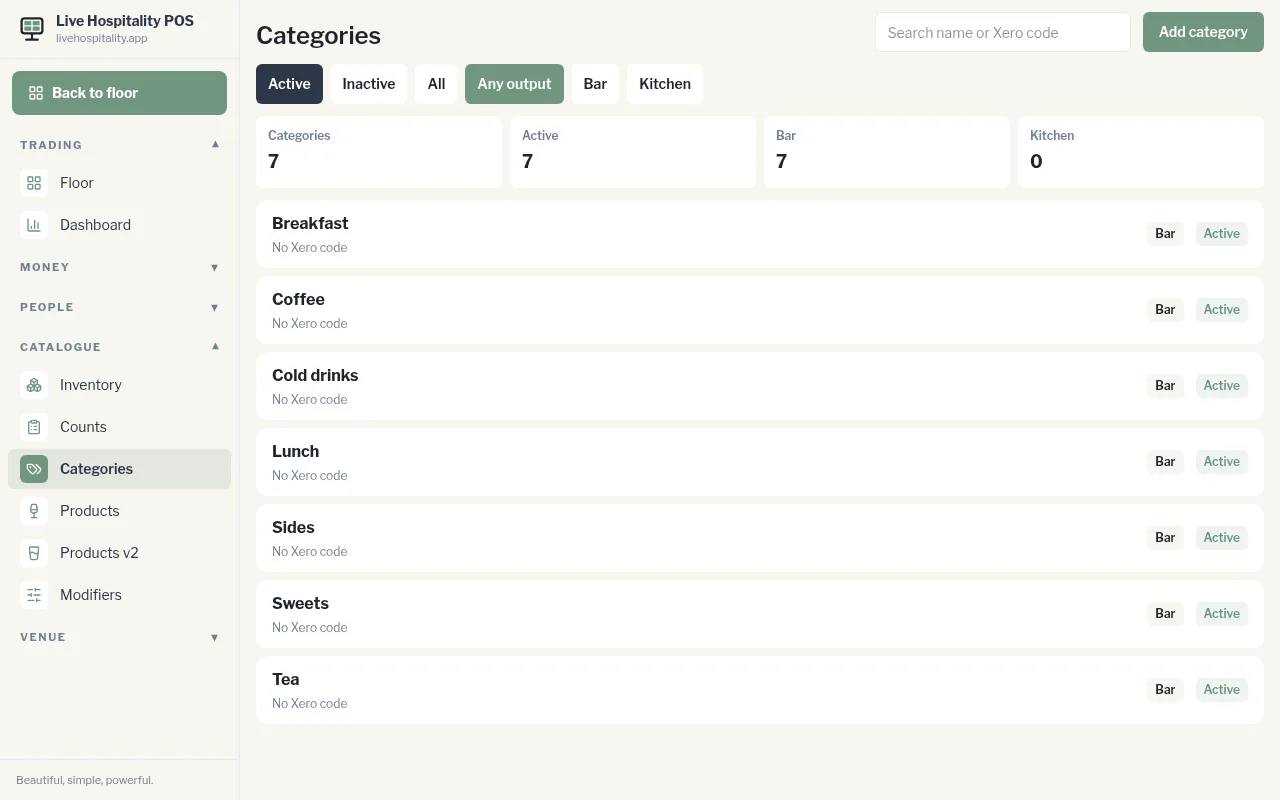
Use the filters at the top to show Active, Inactive or All categories, or only those for Bar or Kitchen. Tap a category to edit it.