Till sessions
Every open and close of the till, with floats, counts and variances.
Owners and managers
- In Admin, go to Money › Till sessions.
- Pick Today, 7 days, 30 days, or your own dates.
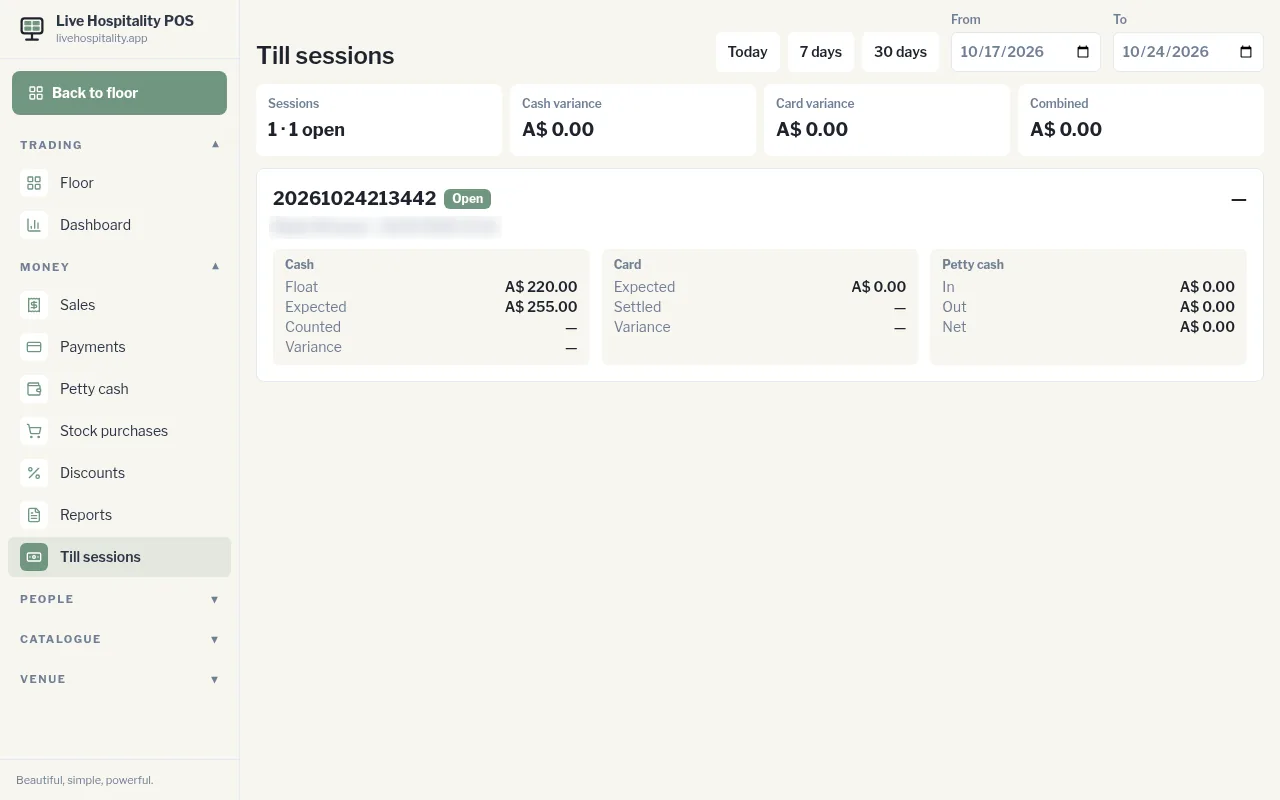
The top shows the number of Sessions (and how many are open), the total Cash variance, Card variance and Combined.
Each session shows who opened it and when, plus:
- Cash: Float, Expected, Counted and Variance
- Card: Expected, Settled and Variance
- Petty cash: In, Out and Net
Tap a session to open or close its details.