Close the till at the end of the day
Count the drawer, enter the card settlement and print the Z-Read.
Managers, closing staff
Before you start, make sure every table is paid or voided and any Before close jobs are ticked off.
- Print the end-of-day settlement from your card terminal.
- On the till, tap Till in the top bar, then Close Till. The cash drawer opens.
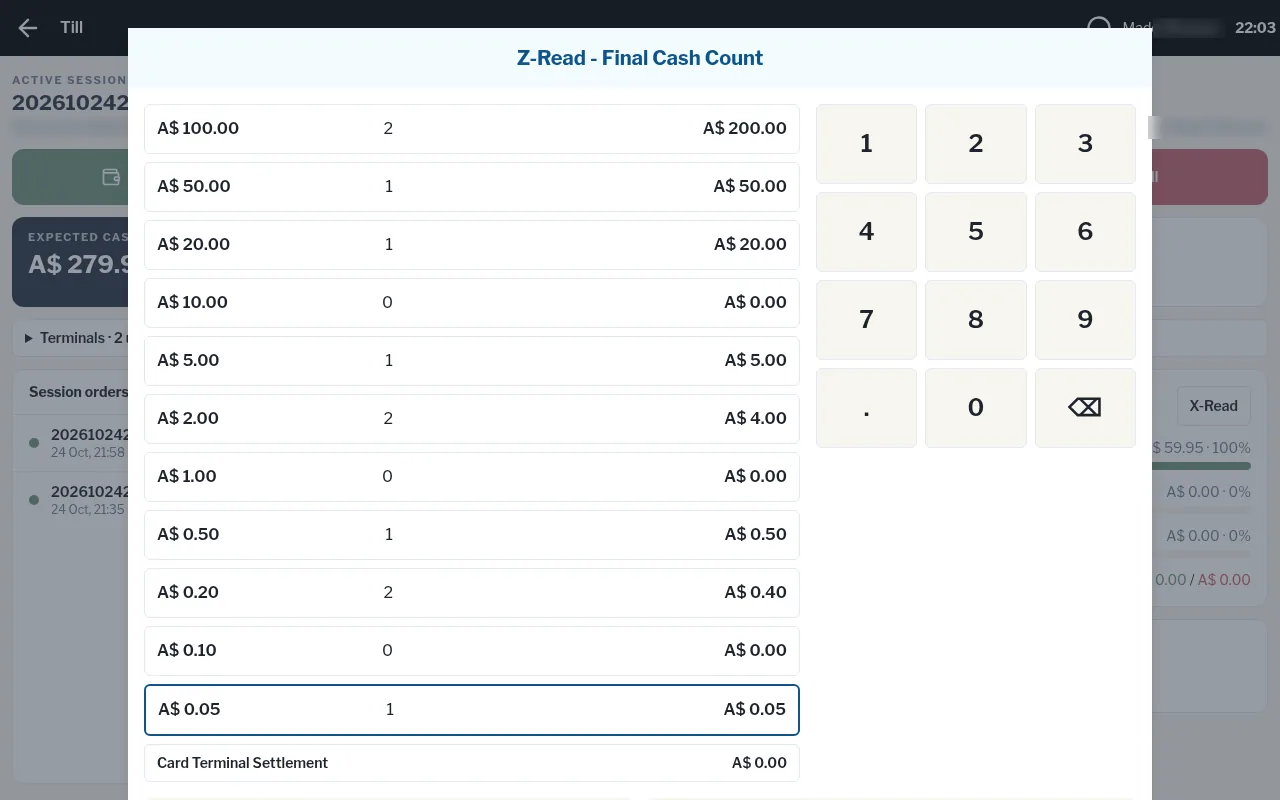
- In Z-Read - Final Cash Count, tap each note and coin row and key in how many you have.
- Tap Card Terminal Settlement and key in the total from your card terminal.
- Check the Cash reconciliation (Expected, Counted, Variance) and Card reconciliation (Expected, Settlement, Variance).
- Tap Close Till & Export to Xero.
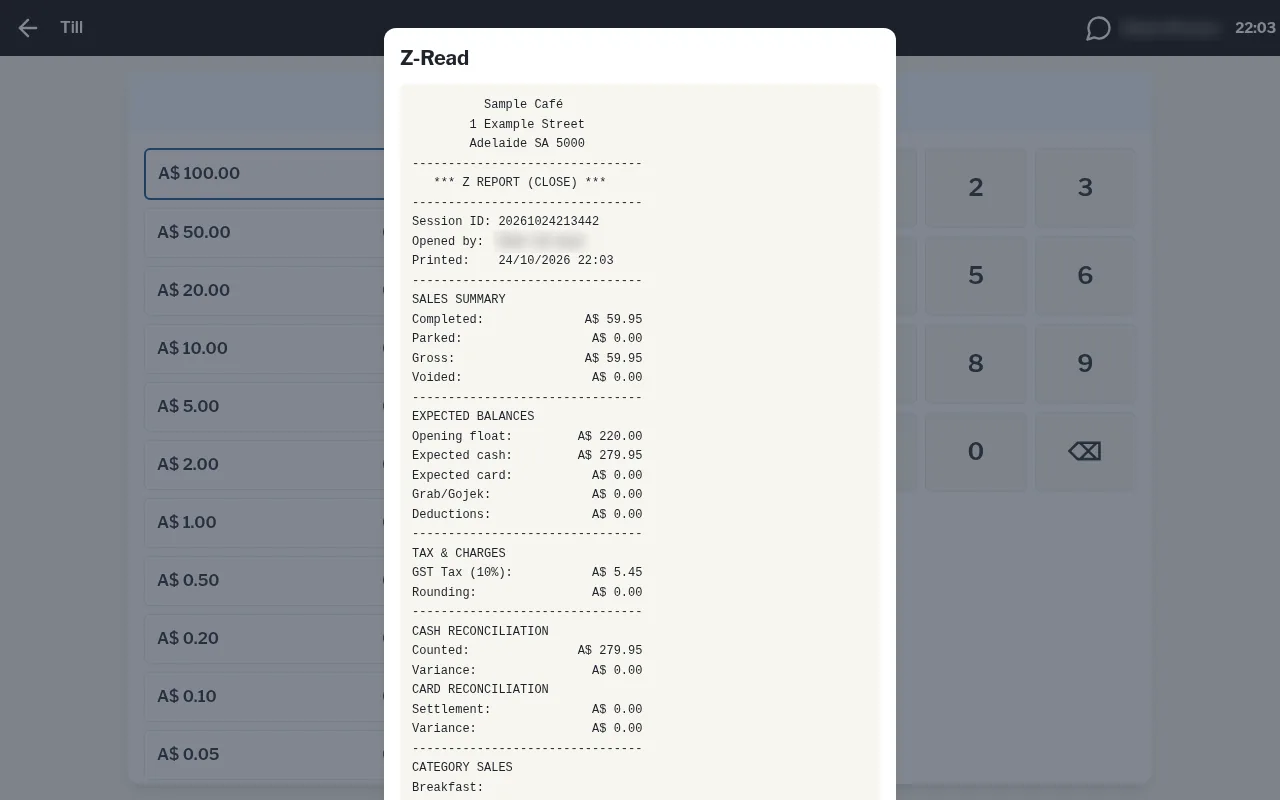
The Z-Read prints and shows on screen. From there you can:
- Print another copy
- Save Xero CSV to download the session's sales as a file you can import into Xero
- Back to the floor