Clock in and out
Start and end your shift from Workforce so your hours land on your timesheet.
Everyone
You clock in and out from the Workforce screen. You must be clocked in before you can process sales.
Clock in
- Sign in with your PIN.
- Tap the Staff icon (the person) in the top bar to open Workforce.
- Tap Clock in at the top right.
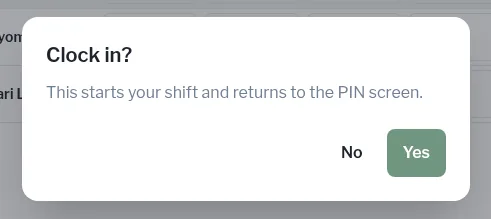
- The till asks Clock in? — “This starts your shift and returns to the PIN screen.” Tap Yes.
- Sign in again with your PIN and get started.
Clock out
- Sign in and open Workforce from the top bar.
- Tap Clock out, then Yes at Clock out?
The till returns to the PIN screen.
See who's on
The On shift list on the left of Workforce shows everyone clocked in and when they started (“In since …”). If nobody is on, it says Nobody is clocked in.