Set up discount shortcuts
Create the preset discounts staff can tap on the pay screen.
Owners and managers
- In Admin, go to Money › Discounts.
- Under New, enter a Name.
- Choose the Type: Percentage or Amount, and enter the value.
- Optional: link it to a Member tier so members on that tier get it automatically. You can also set a First-visit value, used on the member's first paid order.
- Tap Save.
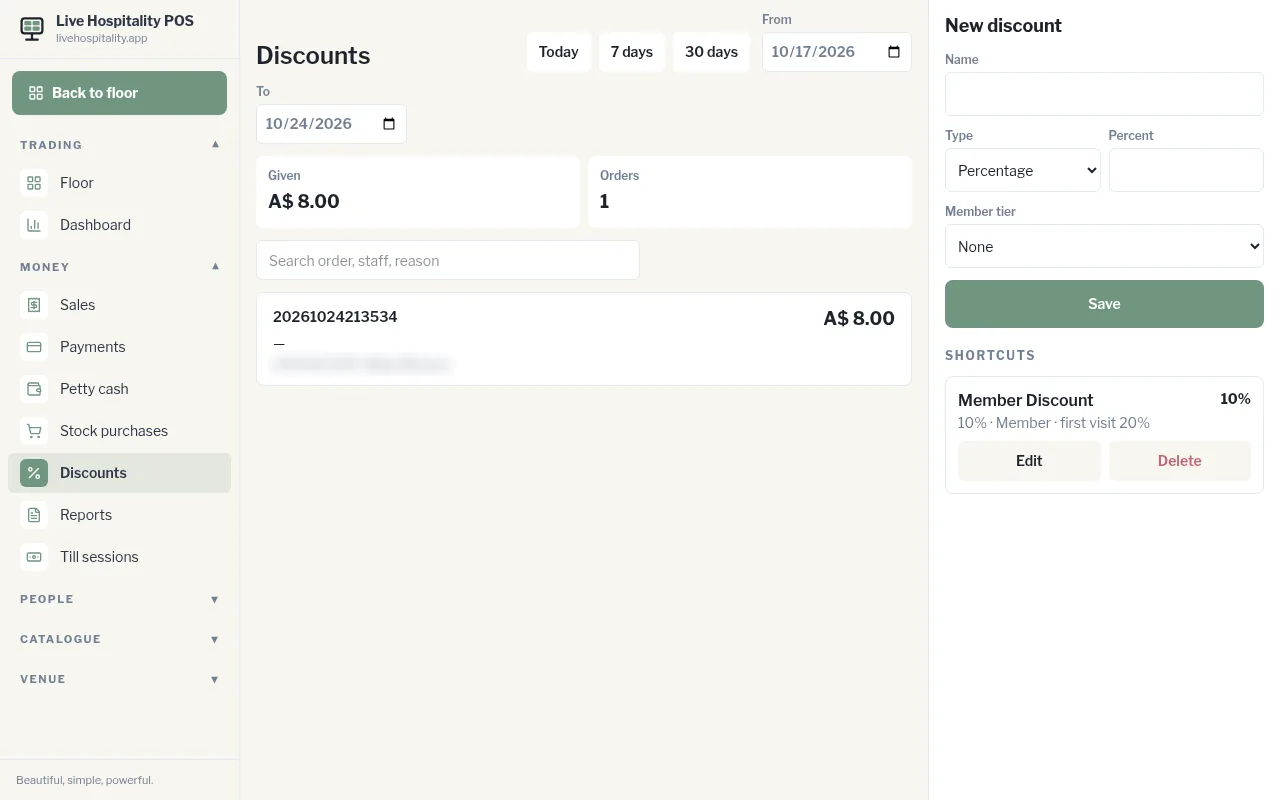
Your discounts appear under Shortcuts, where you can Edit or Delete them. The top of the screen shows how much discount was Given and on how many Orders for the dates you pick.