Print a bill check or reprint a receipt
Print the bill before payment, or reprint a receipt afterwards.
Everyone
Print a bill check
- On the order, tap Pay Now.
- Tap the printer icon at the top of the Pay window (Print bill check).
You can change the bill check's title and its extra line in Settings › Print.
Reprint a receipt from the till
- Tap Till in the top bar.
- Under Session orders, tap the printer icon next to the order.
You can also tap the order to see its Sale Details, then tap the printer icon at the top.
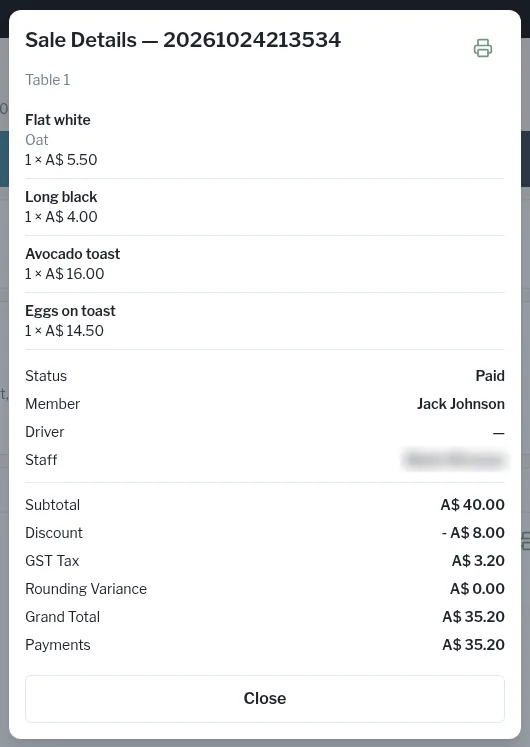
Reprint from Sales history (managers)
- In Admin, open Money › Sales and tap the order.
- Tap Reprint.
After a refund, Customer slip and Merchant slip buttons appear so you can print either refund slip again.