Apply a discount to a bill
Use a preset discount, or key in a percentage or amount.
Bar and floor staff
- Tap Pay Now, then Apply Discount.
- Tap one of your venue's preset discounts (shown with their value, for example “Staff (10%)”), or
- Choose Percent or Amount, key in the value and tap Apply.
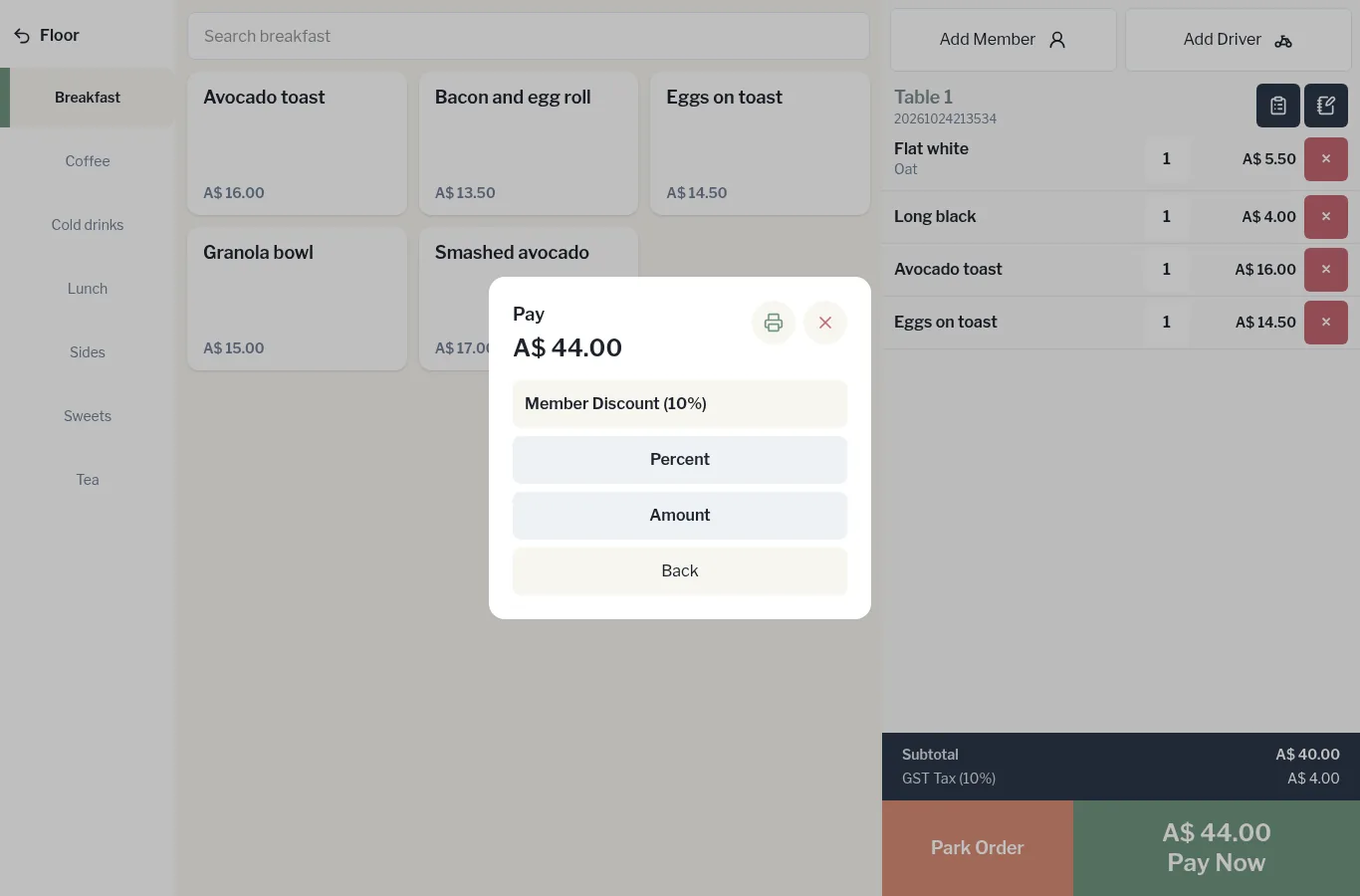
The discount comes off the bill straight away. A keyed-in discount shows on the order as, for example, Manual 10% Discount.