Sales history
Find any order, see its lines and payments, and refund it.
Owners and managers
- In Admin, go to Money › Sales.
- Pick a range (Today, Yesterday, 7 days, 30 days, or your own From and To dates).
- Search by order, table or staff, or filter by payment type.
- Filter by status: All, Closed, Parked, Voided or Refunded.
- Tap an order to see its lines, discounts, service, rounding and payments on the right.
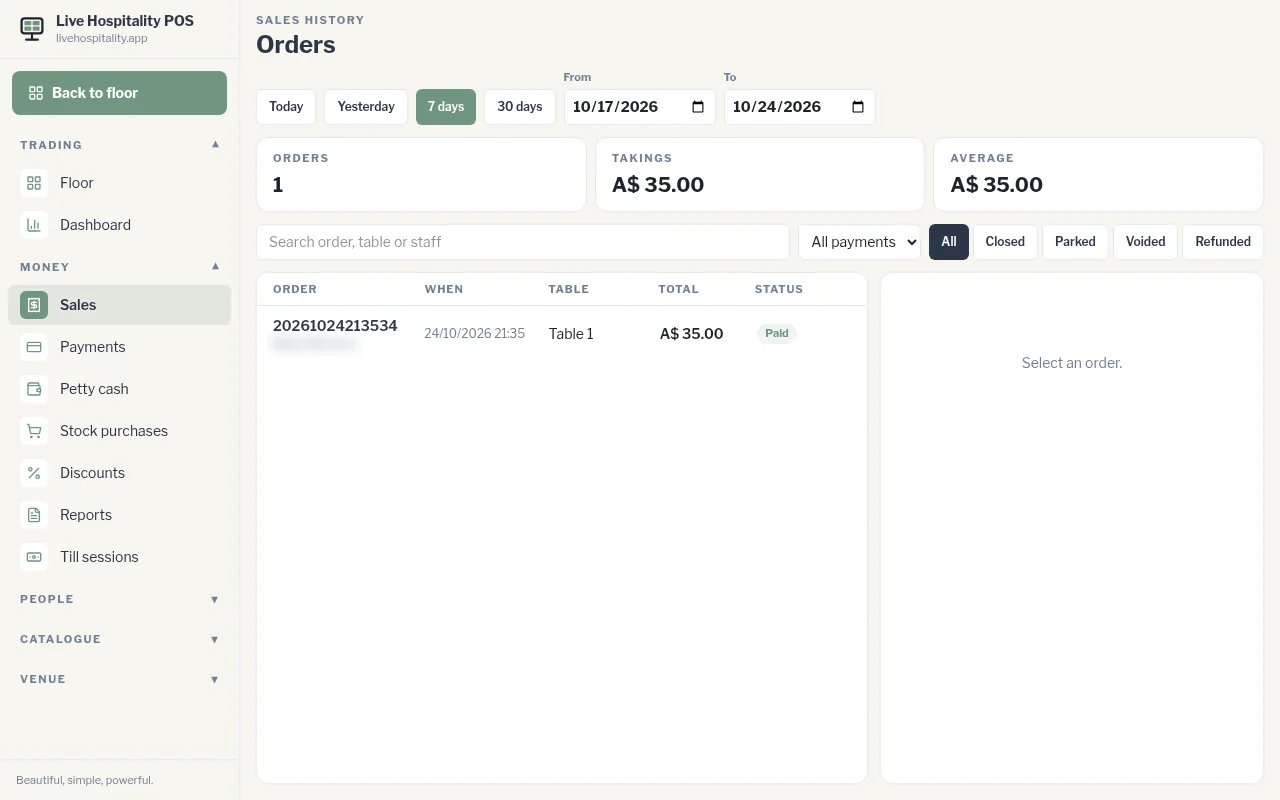
At the top you'll see the number of Orders, the Takings and the Average order for the range.
From an order you can:
- refund it. See Refund an order.
- reprint its receipt. See Print a bill or reprint a receipt.