Payments
Every payment taken, by type, with an export for your bookkeeper.
Owners and managers
- In Admin, go to Money › Payments.
- Pick Today, 7 days, 30 days, or your own dates.
- Filter by All, Cash, Card or Grab/Gojek, or search for an order or transaction.
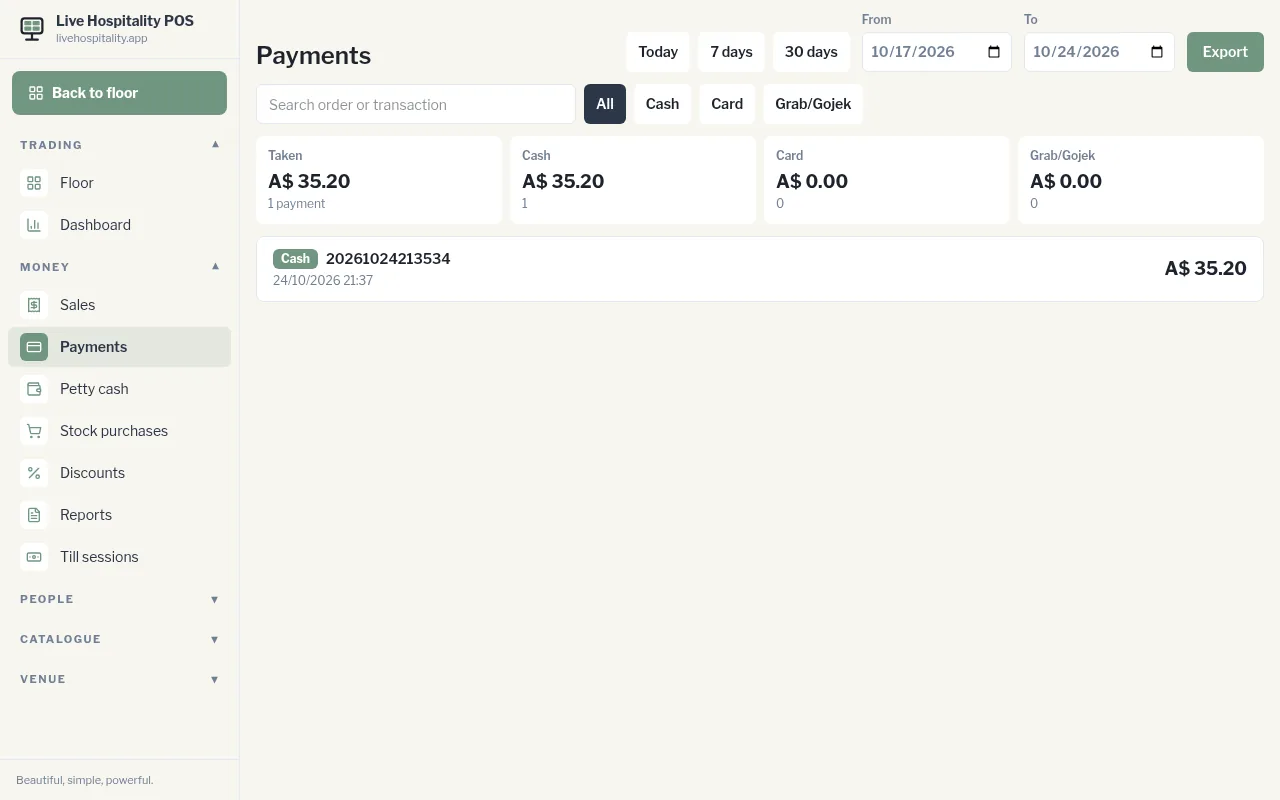
The cards at the top show the total Taken and how much came from each payment type.
Tap Export to download the payments as a CSV file (date, payment method, order ID and amount) for your bookkeeper or accounting software.