Set up happy hour
Create happy hour periods with days, times, an offer and the products it covers.
Owners and managers
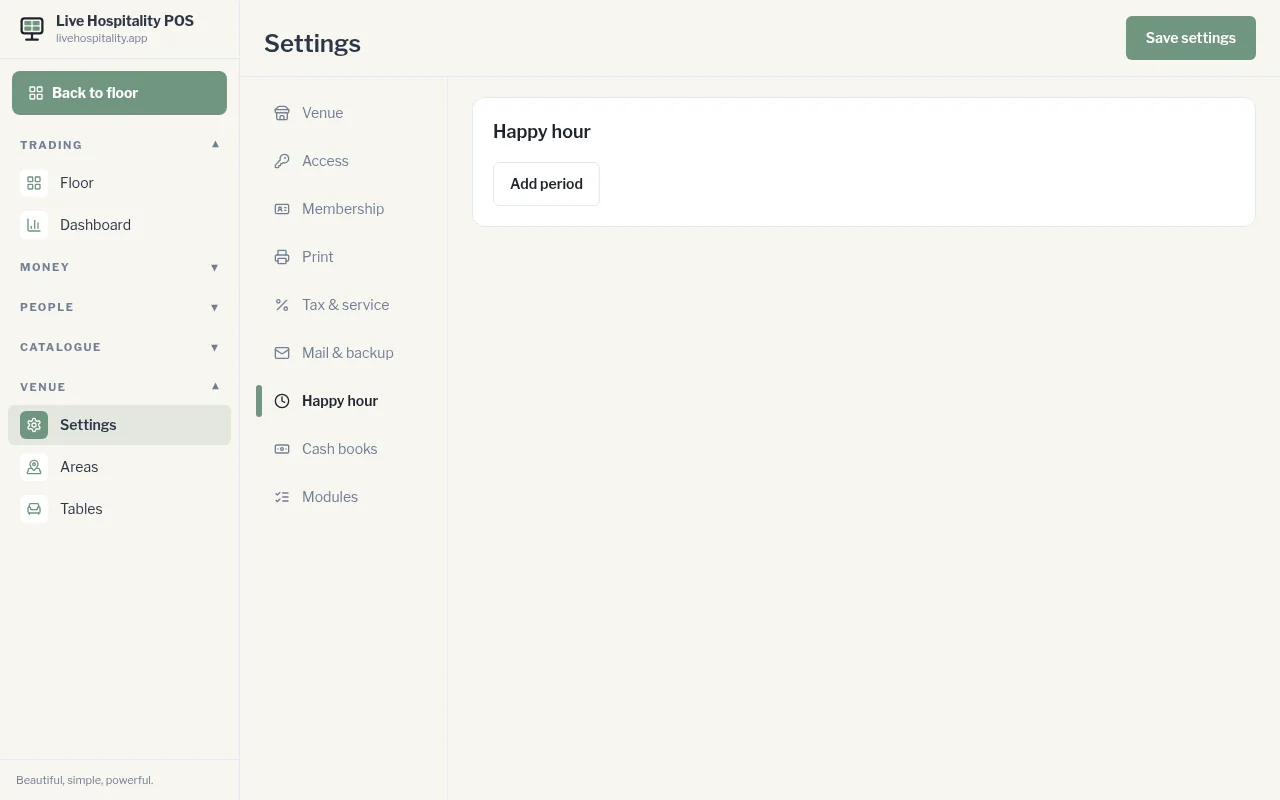
- Go to Settings › Happy hour.
- Tap Add period.
- Give it a name and switch it On.
- Tap the days it runs.
- Set the times: From … to ….
- Choose the Offer: - Buy one, get one free - Percent off: enter the percent - an amount off: enter the amount - Fixed happy-hour price
- Choose what it Applies to: Selected products, Selected categories or the Whole menu. Search and tick the items if you're choosing.
- Tap Save settings.
To pause a period, switch it Off. To delete it, tap Remove.
See Happy hour on the till for how it looks to staff.