Set up inventory items
Track stock levels, reorder points and pack costs for everything you buy.
Owners and managers
Inventory items are the things you buy and use, like milk, coffee beans or a bottle of gin. Products use them in their recipes.
- In Admin, go to Catalogue › Inventory.
- Tap Add item, or tap an item to edit it.
- Fill in: - Name and Supplier - Unit, for example ml, g or pcs - Current stock, in that unit - Reorder point: when stock falls to this, the item shows as low stock - Pack cost and Pack volume: what one pack costs and how much is in it (for example $4.80 for 1,000 ml) - Stocktake difference tolerance: a count inside this amount is treated as matched
- Tap Save.
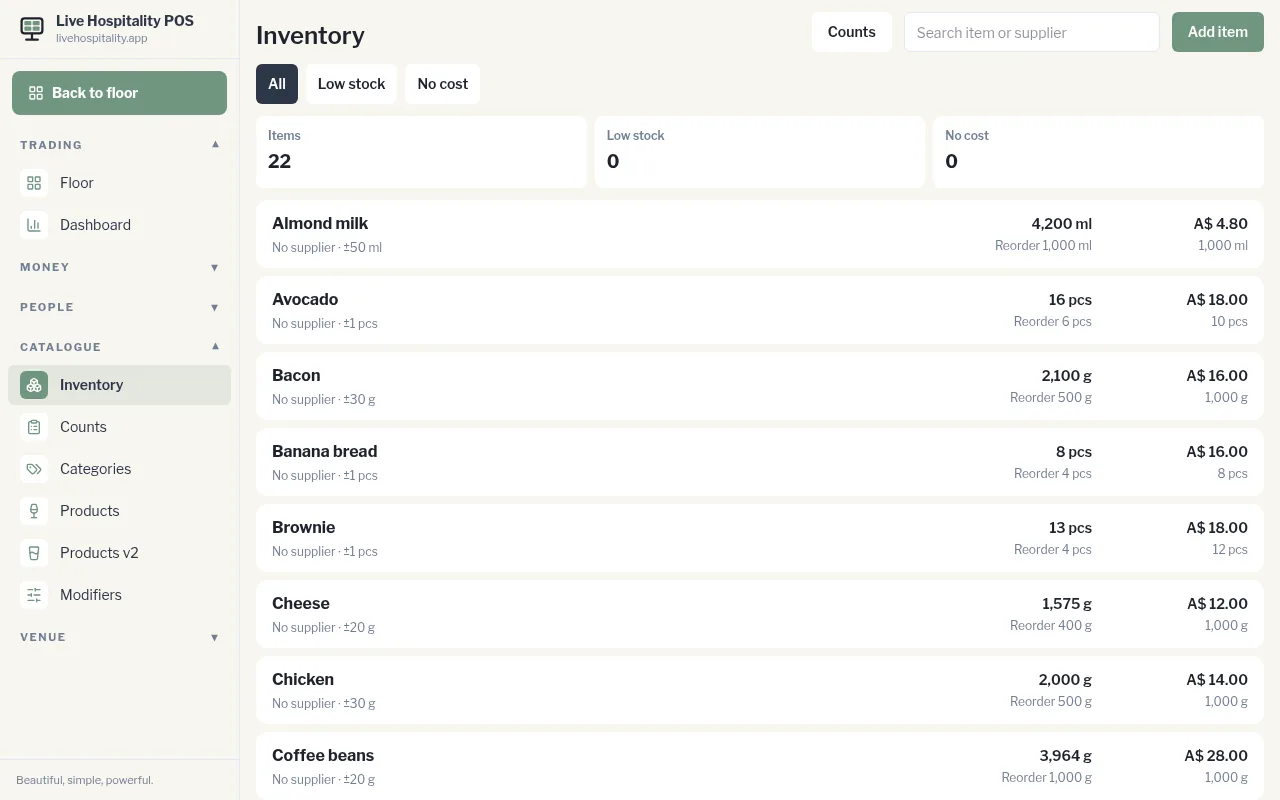
Use All, Low stock and No cost to filter the list, or search by item or supplier. Counts at the top opens your stocktake history.