Do a stocktake
Count your stock on the till and commit the counts.
Managers, bar staff
- Tap Till in the top bar, then Stocktake.
- Tap Print Sheet if you'd like a paper list to count from.
- For each item, tap Tap to Enter and key in the amount you counted, in the item's unit. Clear empties the box.
- When you're done, tap Commit stocktake.
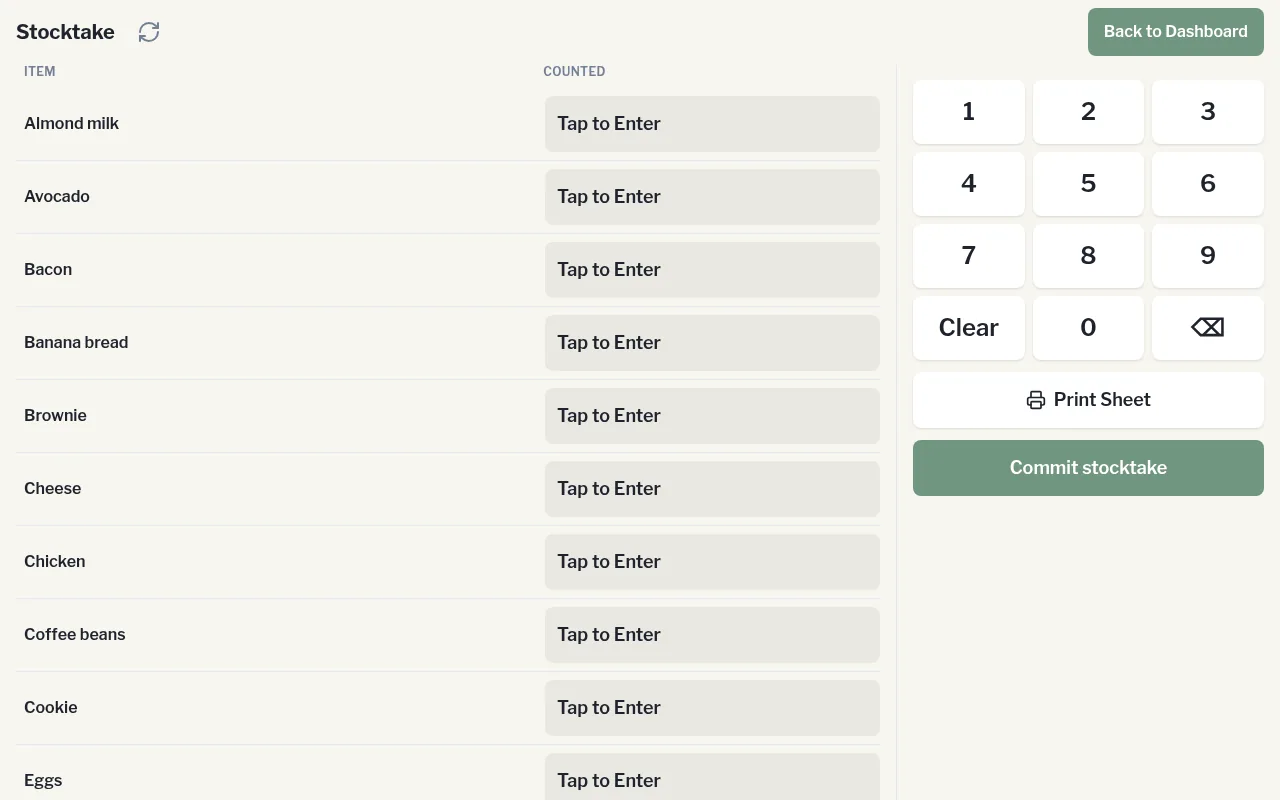
Only the items you entered a count for are saved. Anything you skipped is left alone.
After committing, managers can review the results in Admin › Catalogue › Counts.