Add items with options (modifiers)
Choose milk, sizes, mixers and other options when you add a product.
Bar and floor staff
Some products have options, like the type of milk in a coffee or the mixer with a spirit. These products show Options under their name.
- Tap the product.
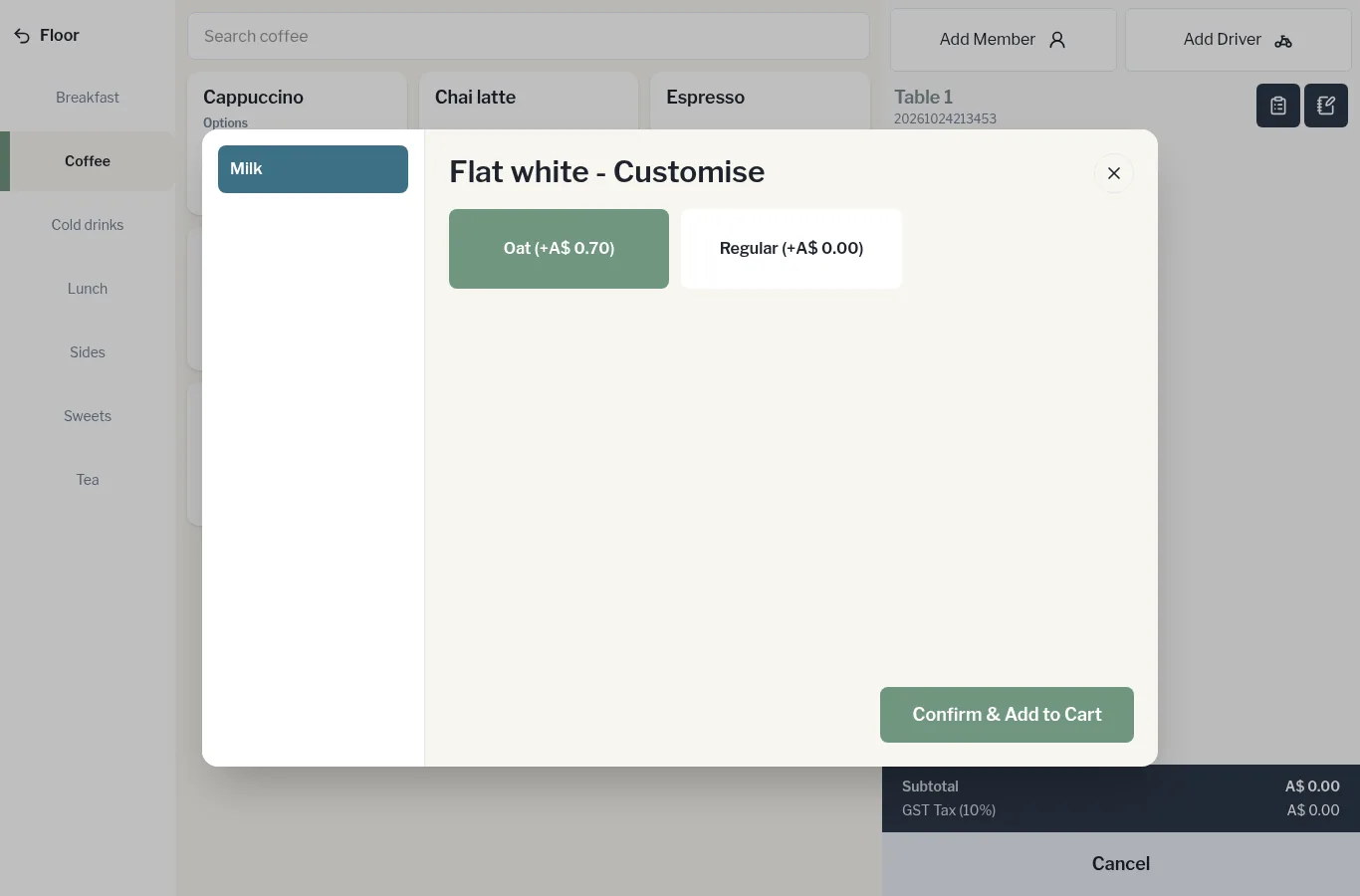
- The Customise window opens (for example Flat white - Customise). Option groups are listed on the left.
- Tap your choice in each group. Any extra charge shows next to the option, like Oat (+A$ 0.70).
- Tap Confirm & Add to Cart.
The option shows in small text under the item on the order, and any extra charge is added to the line price.