Combine tables
Move one table's order onto another so the group gets one bill.
Bar and floor staff
- Open the table that should end up with the combined bill. It needs an open order.
- Tap Pay Now, then Combine Tables.
- The floor shows Select table to transfer to followed by that table's name.
- Tap the table whose order you're moving across.
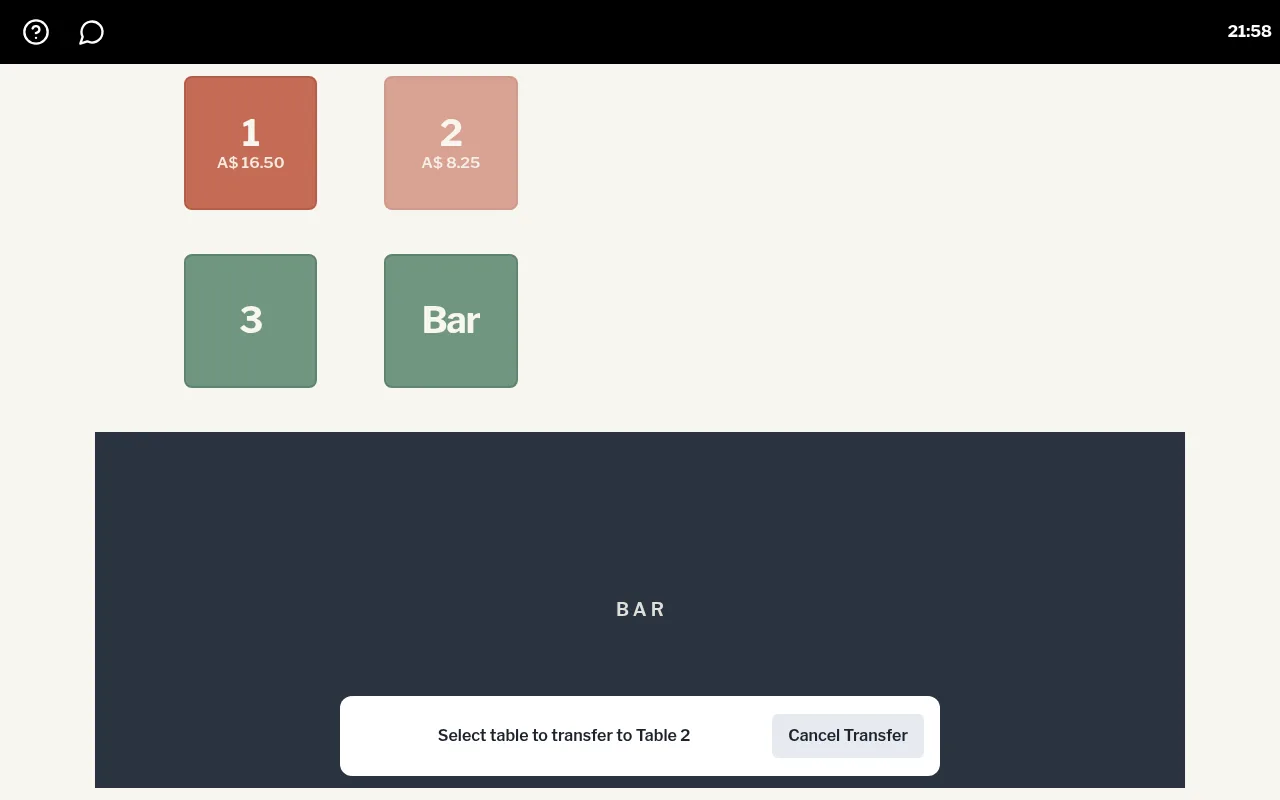
The items move onto the first table's order.
Changed your mind? Tap Cancel Transfer.