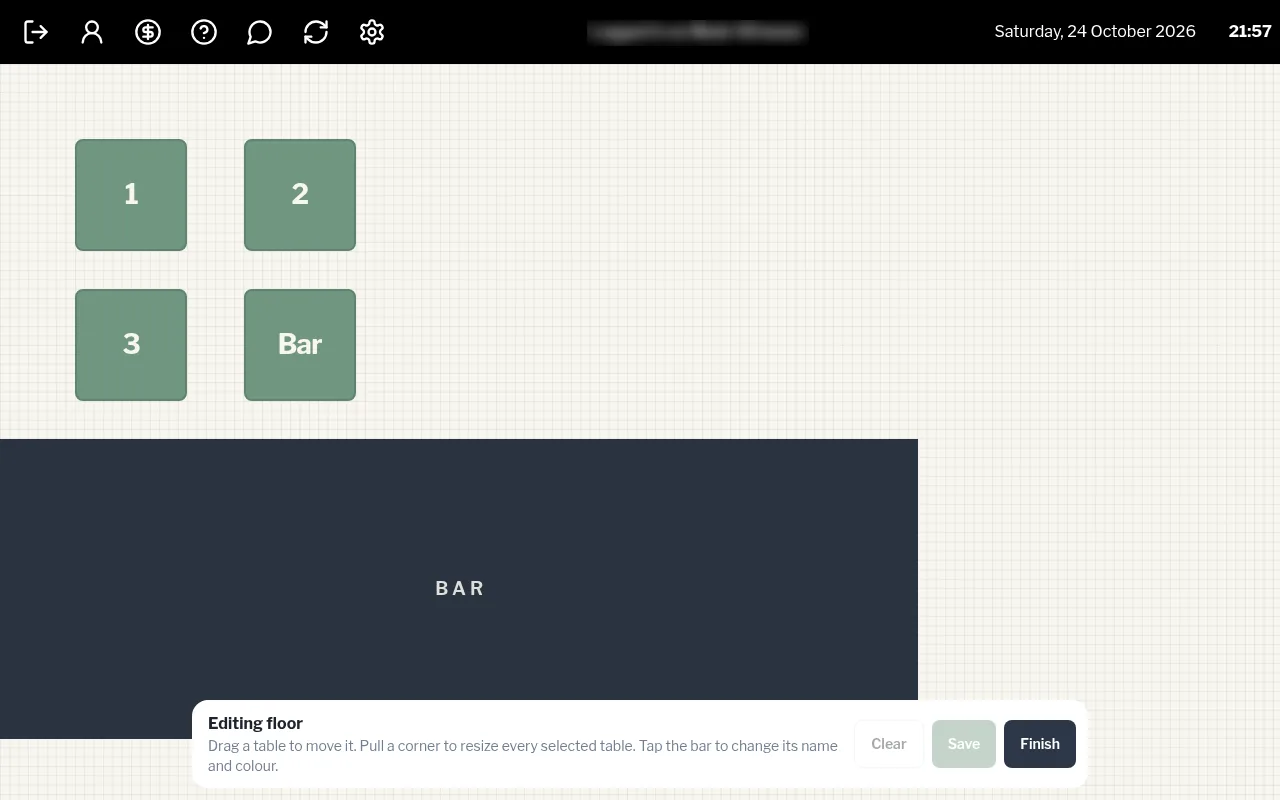
Edit the floor layout
Drag tables into place, resize them, and rename or recolour the bar.
Owners and managers
- On the floor, tap Edit floor.
- Drag a table to move it.
- Select tables and pull a corner to resize every selected table.
- Tap the bar to change its name (up to 18 characters) and colour.
- Tap Save, then Finish.